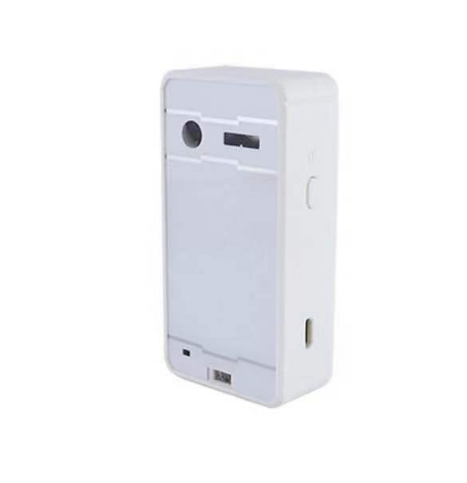
Bluetooth Wireless Virtual Projection keyboard
Bluetooth Wireless Virtual Projection keyboard
- Free Shipping
Couldn't load pickup availability
SECURE CHECKOUTS WITH


Description:
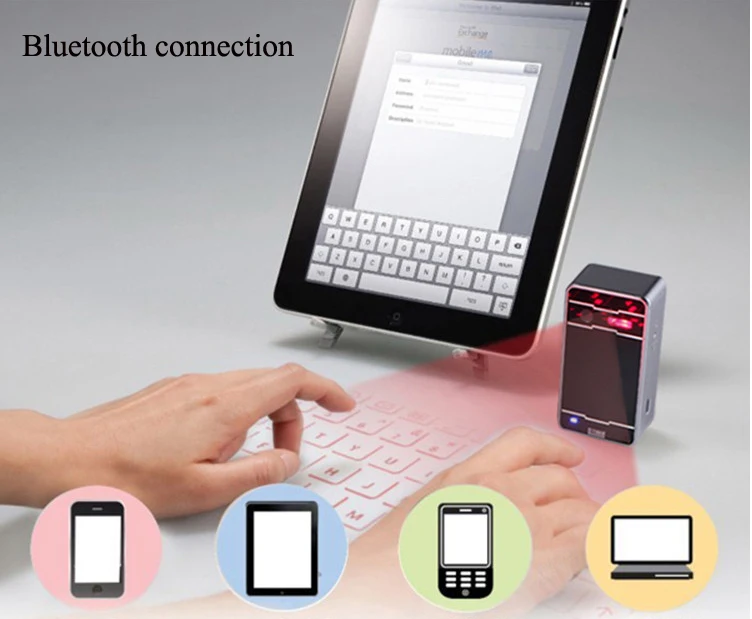
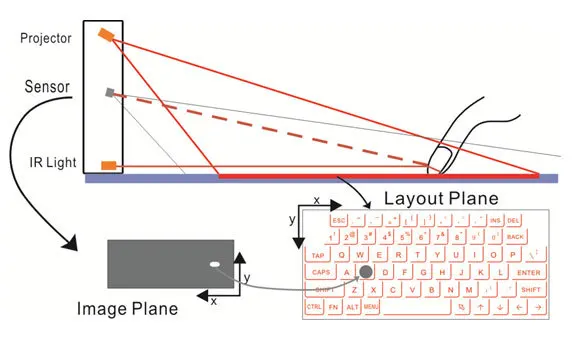
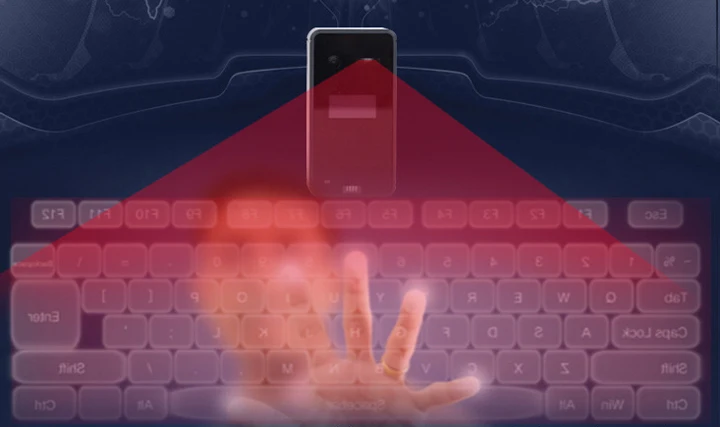
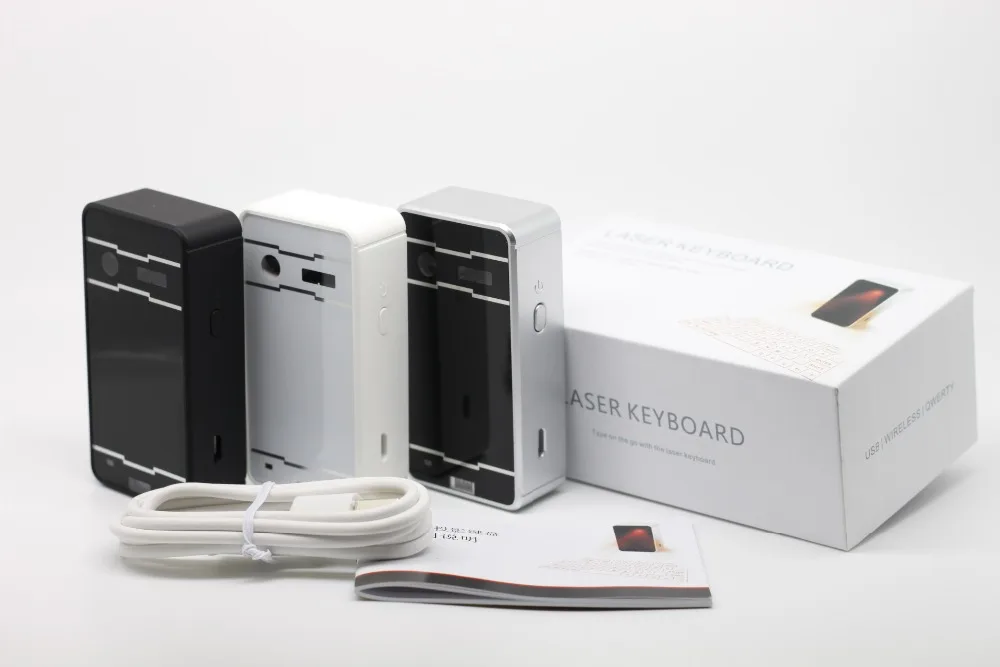
Introducing the cutting-edge Decorify's Bluetooth Wireless Virtual Projection Keyboard – a remarkable fusion of technology and convenience, designed to revolutionize the way you interact with your devices. This innovative keyboard combines the power of Bluetooth connectivity with the magic of virtual projection, bringing you a truly futuristic typing experience.
Features:
- Superior Portability
- English QWERTY keyboard layout
- Supports USB interface and Bluetooth, and mobile devices is very convenient link
- Built-in lithium polymer rechargeable battery, easy to move and carry
- Compatible with the latest equipment Windos XP / VISTA / 7/8, Windows Phone 7, IOS4 / 5/6 (iPhone and Ipad) Android 3.1 and later, Max OS X.
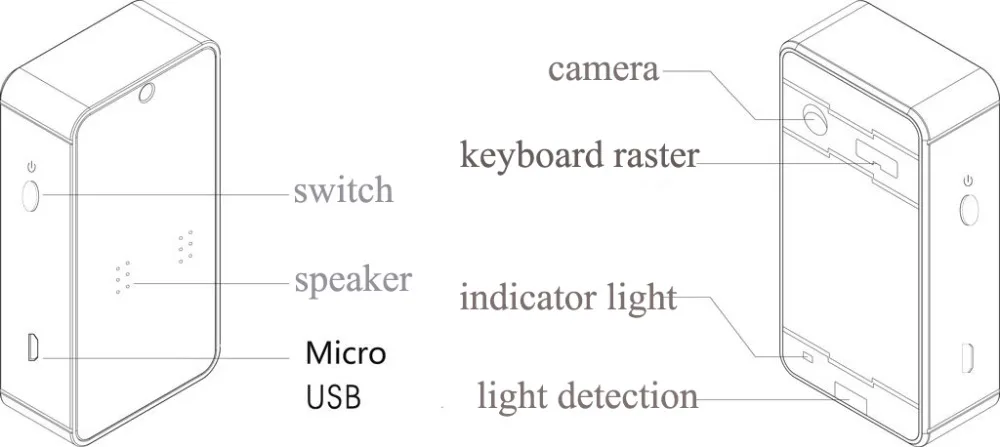
Product Appearance Functional Description:
-
Red light: long bright - Charging Off - Charging complete
-
Blue light: Blinking - Pairing Status Off - paire
-
Yellow light: flashes once - start normally
USB connection mode:
-
Method: USB device is connected
-
USB Interface: standard USB Mini-B type
-
Interface Specification: USB HID keyboard
-
Input power: 1A 5V USB Charge
How to connect:
This product is connected via Bluetooth HID and USB HID Laser Bluetooth keyboard, the product and the operating system all function compatible USB HID, USB HID connection plug and play, no need to install a separate driver.
Connect via USB HID:
-
Laser Bluetooth keyboard and the host device using a USB cable connection, the host device must support USB HID
Note: Most Windows devices support USB HID.
-
Turn on the laser Bluetooth keyboard.
-
After laser Bluetooth keyboard connected properly, if the LED indicator lights red, it indicates charging; LED red light is off, it indicates that charging is complete. Under the state of charge of the product can be used normally.
Connection via Bluetooth HID
Compatible with Bluetooth HID device: So Microsoft OS, IOS4 / 5/6 (iPhone and iPad), Android 3.1 and later, Max OS X.
This product supports Bluetooth HID connection, without having to install a separate driver, and a mobile phone or tablet with a single connection, the connection information will be retained after the Bluetooth Laser Keyboard shutdown, if necessary, and another device is connected, you need to remove before connection:
-
Open Laser Bluetooth Keyboard equipment
-
Clear existing Bluetooth connection: Press and hold the "Fn + B", after the beep equipment for pairing state, this time off, then other devices can be found after the re-boot.
-
Blinking blue LED light changes to steady, indicating that the device is ready to pair
-
Host start scanning Bluetooth devices (iPhone or PC or iPad).
-
On IOS, type Settings-Bluetooth.
-
Click ON button means open Bluetooth, iPhone / iPad began looking paired device.
-
Click Laser Keyboard to complete pairing After successful pairing shows "Connected", the blue LED light will stop flashing.
-
Connection with the host device mounting system
-
Android System navigation icon as follows:
Home → Main Menu → Settings → Wireless and Network → Bluetooth setting.
-
Click Laser Keyboard to complete pairing After successful pairing shows "Connected", the blue LED light stop.
-

-


-

-
Shipping Info
Shipping Info
All orders are shipped within 24 to 48 hours of you placing the order using DHL, FedEx, USPS or ePacket depending on your location and fastest available service.
Return & Exchange
Return & Exchange
We have a 30-day return policy, which means you have 30 days after receiving your item to request a return.